Installing OPGW (Optical Power Ground Wire) strain clamps on H-type towers is a critical task in the construction and maintenance of power transmission and optical communication networks. As a trusted OPGW strain clamp supplier, I understand the importance of providing clear guidance on this process. In this blog post, I will share a step-by-step guide on how to install OPGW strain clamps on H-type towers, ensuring a safe and efficient installation.
Pre - installation Preparations
Before starting the installation process, it is essential to conduct thorough preparations. These preparations will not only ensure the smooth progress of the installation but also guarantee the safety of the workers.
Equipment and Material Inspection
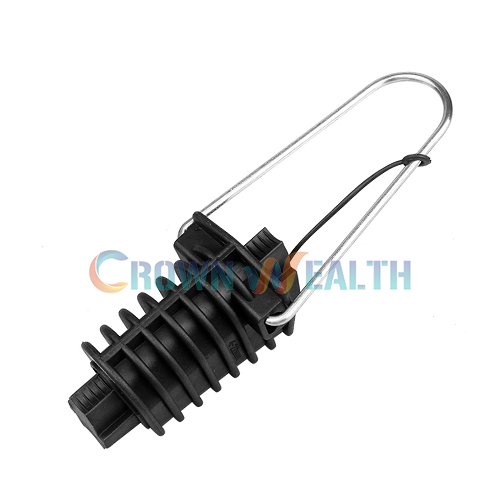
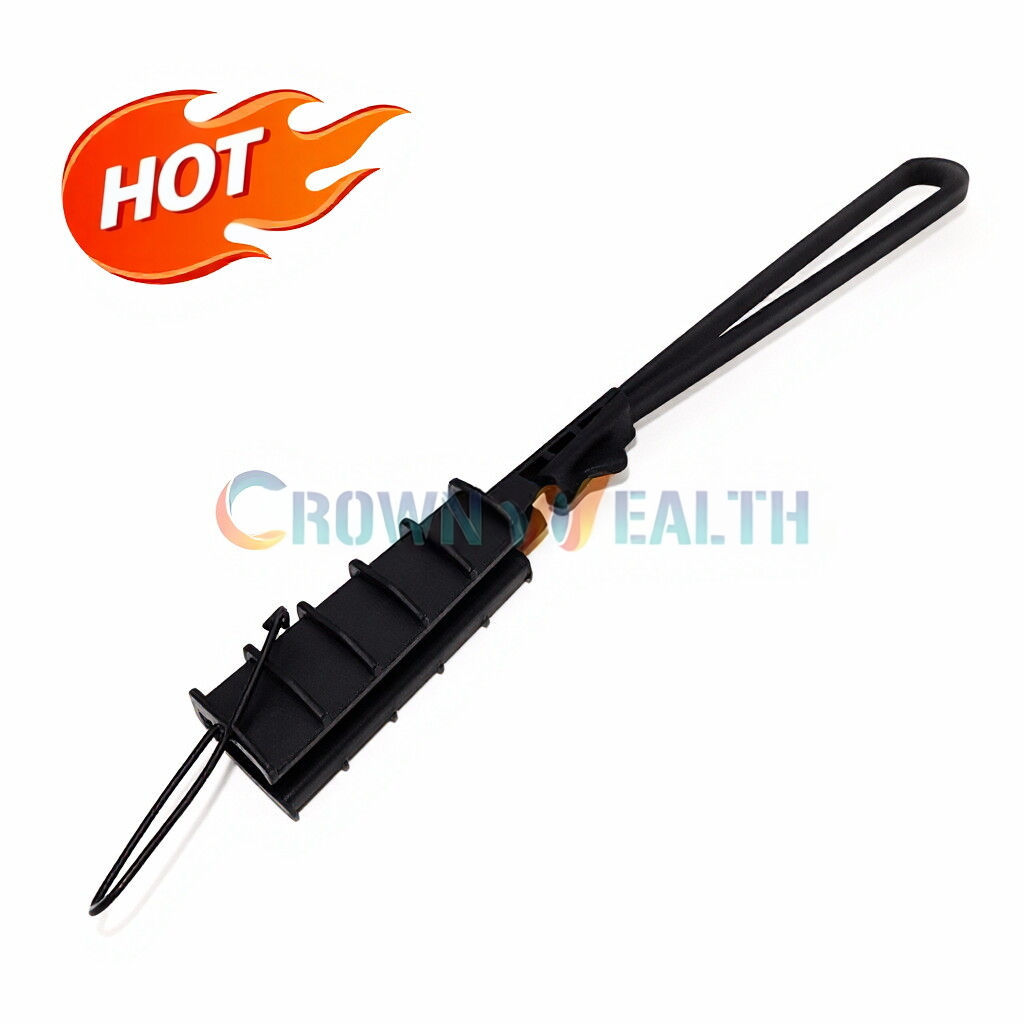
- OPGW Strain Clamps: Carefully inspect the OPGW strain clamps for any signs of damage, such as cracks, scratches, or deformations. Ensure that the clamps meet the required specifications and standards.
- OPGW Cable: Check the OPGW cable for any visible damage, including cuts, abrasions, or kinks. Measure the cable length to ensure it is sufficient for the installation.
- Other Accessories: Inspect other necessary accessories, such as bolts, nuts, and washers, to ensure they are in good condition and of the correct size.
Site Inspection
- Tower Condition: Examine the H-type tower for any structural damage, corrosion, or instability. Ensure that the tower is in a suitable condition to support the OPGW cable and the strain clamps.
- Installation Location: Determine the appropriate installation location on the tower. The location should be easily accessible and provide sufficient clearance for the installation and future maintenance.
- Environmental Factors: Consider the environmental factors at the installation site, such as wind, rain, and temperature. Avoid installing the strain clamps in adverse weather conditions.
Safety Precautions
- Personal Protective Equipment (PPE): Provide workers with appropriate PPE, including safety helmets, safety glasses, gloves, and safety harnesses. Ensure that the PPE is in good condition and properly worn.
- Safety Training: Conduct safety training for all workers involved in the installation. The training should cover the installation process, safety procedures, and emergency response measures.
- Safety Barriers: Set up safety barriers around the installation site to prevent unauthorized access and ensure the safety of workers and the public.
Installation Steps
Step 1: Cable Preparation
- Cable Cutting: Use a suitable cable cutter to cut the OPGW cable to the required length. Ensure that the cut is clean and perpendicular to the cable axis.
- Cable Stripping: Strip the outer sheath of the OPGW cable to expose the inner fibers and strength members. Be careful not to damage the fibers during the stripping process.
- Fiber Protection: Apply fiber protection sleeves or tubes to the exposed fibers to prevent damage during the installation.
Step 2: Strain Clamp Assembly
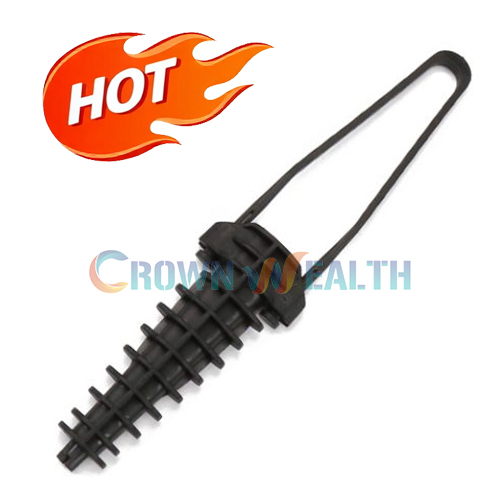
- Clamp Selection: Select the appropriate OPGW strain clamp based on the cable diameter and the design requirements. Ensure that the clamp is compatible with the OPGW cable.
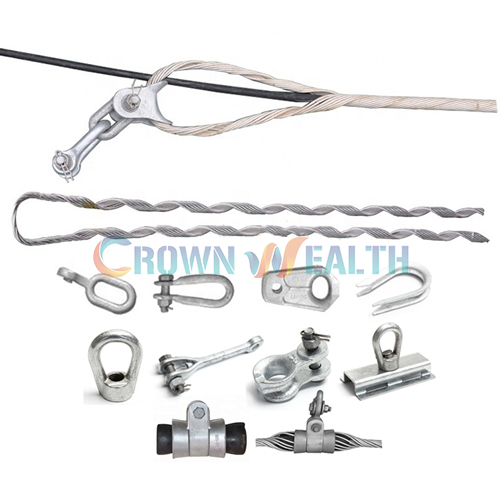
- Clamp Assembly: Assemble the strain clamp according to the manufacturer's instructions. This may involve inserting the cable into the clamp, tightening the bolts, and installing the necessary accessories.
- Torque Check: Use a torque wrench to check the tightness of the bolts in the strain clamp. Ensure that the bolts are tightened to the specified torque value to prevent the clamp from loosening during operation.
Step 3: Tower Mounting
- Lifting the Cable and Clamp: Use a suitable lifting device, such as a crane or a winch, to lift the OPGW cable and the assembled strain clamp to the installation location on the H-type tower.
- Clamp Attachment: Attach the strain clamp to the tower using the appropriate mounting hardware, such as bolts and brackets. Ensure that the clamp is securely fastened to the tower and that the cable is properly aligned.
- Cable Tensioning: Tension the OPGW cable to the required level using a tensioning device. The tension should be evenly distributed along the cable to prevent excessive stress on the clamp and the cable.
Step 4: Accessory Installation
- OPGW Performed Suspension Clamp: Install the OPGW performed suspension clamps at the appropriate intervals along the cable to support the cable and prevent sagging.
- Cable Storage Assembly: Install the cable storage assembly near the strain clamp to store any excess cable length. This will facilitate future maintenance and repairs.
- Aluminum Joint Box: If necessary, install an aluminum joint box to splice the OPGW cable with other cables or to connect the cable to the communication equipment.
Step 5: Testing and Inspection
- Optical Testing: Use an optical time-domain reflectometer (OTDR) to test the optical performance of the OPGW cable. Ensure that the cable meets the required optical specifications.
- Mechanical Inspection: Inspect the strain clamp and the cable for any signs of damage or looseness. Check the tightness of the bolts and the alignment of the cable.
- Documentation: Document the installation process, including the installation date, the equipment used, and the test results. This documentation will be useful for future reference and maintenance.
Troubleshooting and Maintenance
Troubleshooting
- Clamp Loosening: If the strain clamp is found to be loose, tighten the bolts to the specified torque value. Check for any signs of damage or wear in the clamp and replace it if necessary.
- Cable Damage: If the OPGW cable is damaged, repair or replace the damaged section of the cable. Ensure that the repair or replacement is carried out in accordance with the manufacturer's instructions.
- Optical Performance Issues: If there are issues with the optical performance of the cable, such as high attenuation or low signal strength, check the fiber connections, the splices, and the cable routing. Make any necessary adjustments or repairs.
Maintenance
- Regular Inspection: Conduct regular inspections of the OPGW strain clamps and the cable to detect any signs of damage or wear. Inspect the clamps for corrosion, cracks, or loosening, and the cable for abrasions, cuts, or kinks.
- Lubrication: Lubricate the moving parts of the strain clamps, such as the bolts and the nuts, to prevent corrosion and ensure smooth operation.
- Re - tensioning: Periodically re - tension the OPGW cable to maintain the proper tension level. This will prevent the cable from sagging and ensure the stability of the optical communication network.
Conclusion
Installing OPGW strain clamps on H-type towers is a complex but essential task in the power transmission and optical communication industries. By following the steps outlined in this blog post and taking the necessary safety precautions, you can ensure a successful installation. As a reliable OPGW strain clamp supplier, we are committed to providing high - quality products and professional technical support. If you are interested in purchasing our OPGW strain clamps or need further assistance with the installation, please feel free to contact us for procurement and negotiation. We look forward to working with you to build a reliable and efficient optical communication network.


References
- OPGW Installation Manuals from various manufacturers
- Industry standards and guidelines for OPGW installation and maintenance